Redeem Wonderland Codes
From the title screen to the Shop gift tab without guessing menus mid-run.

Redeeming a Wonderland code is a lobby task, not a park task. If you wait until a chase to find the text box, you will waste a shared life. Do this before you sit on the roller coaster, then go play. The live public string is listed on the codes hub. This page is the click path.
Wonderland is live on mobile, PC, and console. The Shop button sits in the same lobby chrome on all three, but the hit box is easier to miss on a phone. Zoom your graphics up if the teal shopfront icon blends into the carnival set dressing. Headphones help later; they are optional for redeeming.
Redeem steps
- Open the official Wonderland experience on Roblox. Fake pages that sell early access are not the game. Confirm the creator is ScaryPlay.
- On the title screen, press the green Play button. That sends you to the lobby, not into a run.
- In the lobby, press the Shop button on the left. It is a teal shopfront, not the Wonder Shop you visit mid-park.
- Open the Codes tab. The icon is a wrapped gift.
- Find the field that reads “Enter a special code here.”
- Type WORMYGOOD or whatever string is still marked active on the codes list. Do not type RELEASE26; that launch string expired around the September revamp.
- Press Redeem. Green confirmation text should name the reward. WORMYGOOD pays 150 Gems.
If the text turns red, you mistyped, the code expired, or you already claimed it on that account. Codes are per account, not per run. You cannot farm WORMYGOOD by sitting the coaster again.
Title screen versus lobby versus park
Players coming from The Mimic look for a book select. Wonderland does not use chapters. The title screen only starts the lobby. The lobby is where you redeem, pick a player-count section, and board. The park is where Tickets and hunters live. If you boarded already, finish or abandon the run and redeem in the next lobby. There is no confirmed in-run codes pane.
Mobile, PC, and console differences
On PC, click the shopfront, then the gift tab, then the field. On a phone, tap the same left-side control; if the keyboard covers the Redeem button, dismiss it and tap Redeem after the string is in the box. On console, highlight the Shop with the same lobby cursor you use to choose a coaster row. The controls tool covers movement and sprint. It does not replace this Shop path.
After the Gems land
Gems are not Tickets. Do not expect the Hammer to appear because a code paid out. Spend Gems when you understand the Gems and Tickets split. For the run you are about to start, Tickets still come from puzzles. The puzzle guide and escape guide are the real income plan.
A common mistake is redeeming, then buying the loudest Wonder Shop weapon because the trailer showed a Minigun. Read the shop item tier list first. Information items keep randomised parks readable. Weapons are for the fights you cannot walk around, which the combat guide spells out.
When redeem fails
- Extra space before or after the string.
- Letter O versus zero. WORMYGOOD is letters only. RELEASE26 used digits at the end and is expired.
- Redeeming on a copycat experience. Close it and use the link on official links.
- Already claimed. The game will not pay twice.
- Expired. Check the expired table on the codes hub.
If the Shop button is missing, you may still be on the title screen. Press Play. If you are already in a run, you are too late for this lobby.
Codes and squads
Each player redeems on their own account. Sitting with four friends does not share WORMYGOOD. It does share the three-life pool, which is why you want everyone claiming Gems in the lobby instead of fiddling with menus after Mr. Sun starts walking. Brief the group with co-op and named threats while you are still safe.
New codes will use this same Shop tab. You will not need a new guide for each string. You will need this hub updated, which is why we keep the active table on Wonderland codes and the launch timeline on what’s new.
When the string is in and the text is green, leave the Shop, walk to the correct player-count coaster, and start the run with stamina full. That is the whole job of a code page: get the reward, then get out of the menu.
Frequently Asked Questions
Quick answers to the most common questions.
Where is the Wonderland code box?
Lobby Shop on the left, then the Codes gift tab. The placeholder text is “Enter a special code here.”
Can I redeem during a run?
Use the lobby. If you already boarded the roller coaster, finish or leave and redeem before the next sit.
Why did Redeem do nothing?
Check spelling, confirm you are in official Wonderland by ScaryPlay, and see whether the code is still active or already claimed.
Do teammates get my code?
No. Each Roblox account redeems separately. Lives are shared; Gems are not.
Codes
Active Wonderland Roblox codes, including WORMYGOOD for 150 Gems, plus expired RELEASE26 and lobby redeem steps.
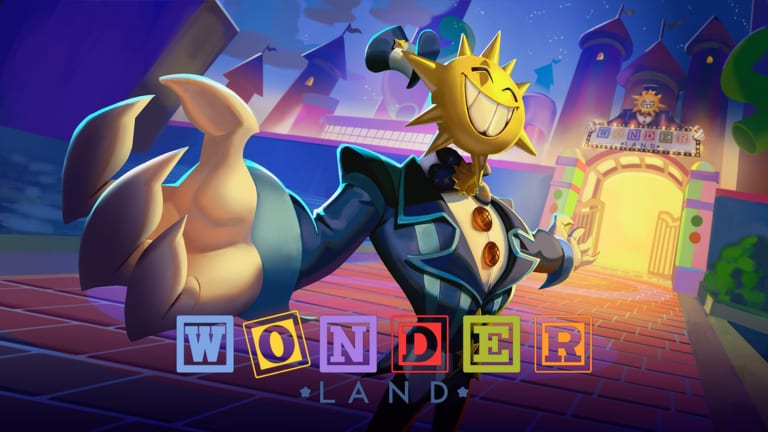
Gems & Tickets
How Wonderland Gems from codes differ from Tickets earned in puzzles and spent at the Wonder Shop each run. Read before your next sit.
Expired Codes
Wonderland expired codes list. RELEASE26 for 100 Gems is dead; WORMYGOOD remains the live 150 Gem promo string.
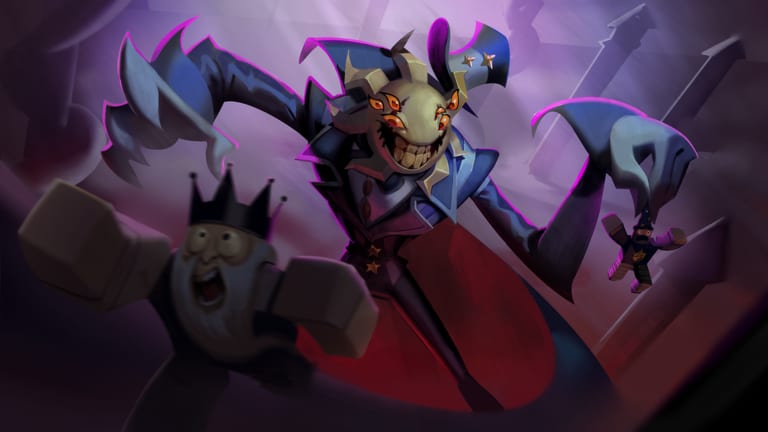
Guides Overview
Wonderland Roblox guides for walkthrough, Mole, Worm, Coaster Chase, difficulties, stamina, puzzles, and co-op after a wipe.
Updates
Wonderland Roblox updates: 14 August 2026 launch, the 8 August delay, and the September BIG REVAMP. Check codes after every patch.
Scripts
Wonderland Roblox scripts as of Sept 2026: advertised auto farm, ESP, and god mode, plus why this wiki will not paste them.